How to get a halal stock API in 2026 (step-by-step)
Step-by-step guide on how to get a halal stock API in 2026: vendor selection, sign-up, first API key, first request, and how to scale up.
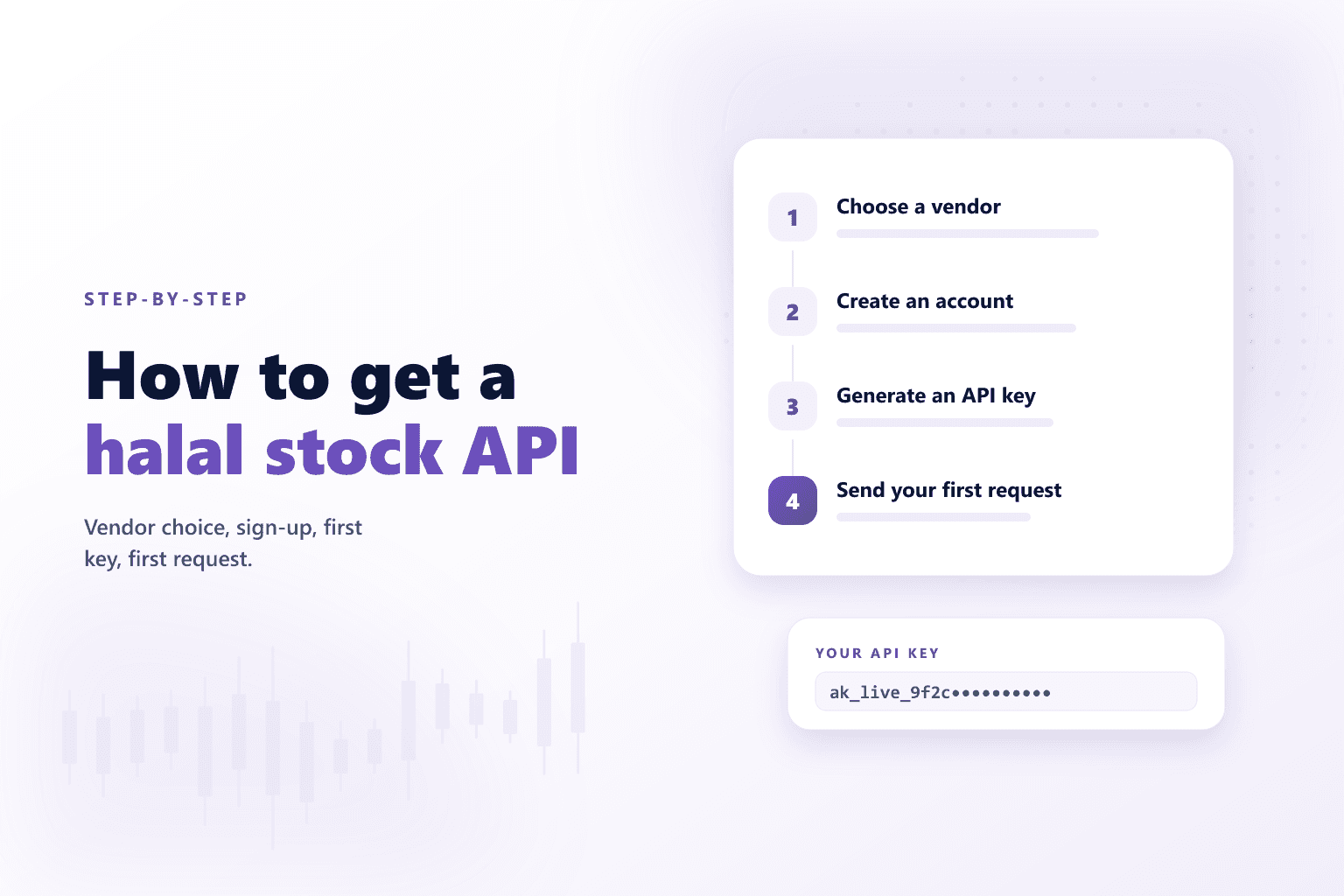
You're building something — a halal investing app, a Shariah-screened ETF dashboard, a Telegram bot that filters tickers, a back-office tool for a wealth firm — and you need a programmatic way to get halal verdicts on stocks. This guide walks the practical “how” for 2026.
1. Pick a vendor
See our halal stock screening API comparison for the four serious options in 2026. For self-serve developer integration with a free tier and transparent pricing, the path of least friction is Akinda — the rest of this guide assumes that. The high-level steps apply to any vendor that offers a REST API.
2. Sign up
Create an account at /signup. Email or Google works. No credit card required for the Basic tier.
3. Grab your API key
The dashboard auto-provisions a key on first login. Copy it from /api-keys. Keys are passed as the apikey query parameter or the X-API-Key header on every request.
4. Fire your first request
cURL
curl "https://b2b-api.akinda.io/api/v1/compliance/AAPL?apikey=YOUR_KEY"
5. Add context as you need it
/compliance is the one-line verdict. Upgrade to /basic-report when you want the two financial ratios (debt + liquidity) plus non-compliant revenue on the same payload, and /full-report when you want the full AAOIFI screening grid plus AI-extracted SEC dollar values and the source-revenue breakdown.
6. Scale up
When you outgrow the free tier's 10 calls a day, upgrade to Personal Standard or Business depending on your rate-limit needs. The pricing matrix is published in detail on the pricing page — no “contact sales” below Enterprise.
Useful next step
Verify it yourself via the Akinda API
Fire a live /full-report/<ticker> call from the playground using your own API key — see the compliance ratios, AAOIFI screen verdict, and source-breakdown fields the methodology produces.
Related reading