How to build a halal stock screener (10-minute developer tutorial)
A 10-minute tutorial for fintech developers: sign up, fetch your first halal verdict, render the result in your app. Code samples in JavaScript and Python.
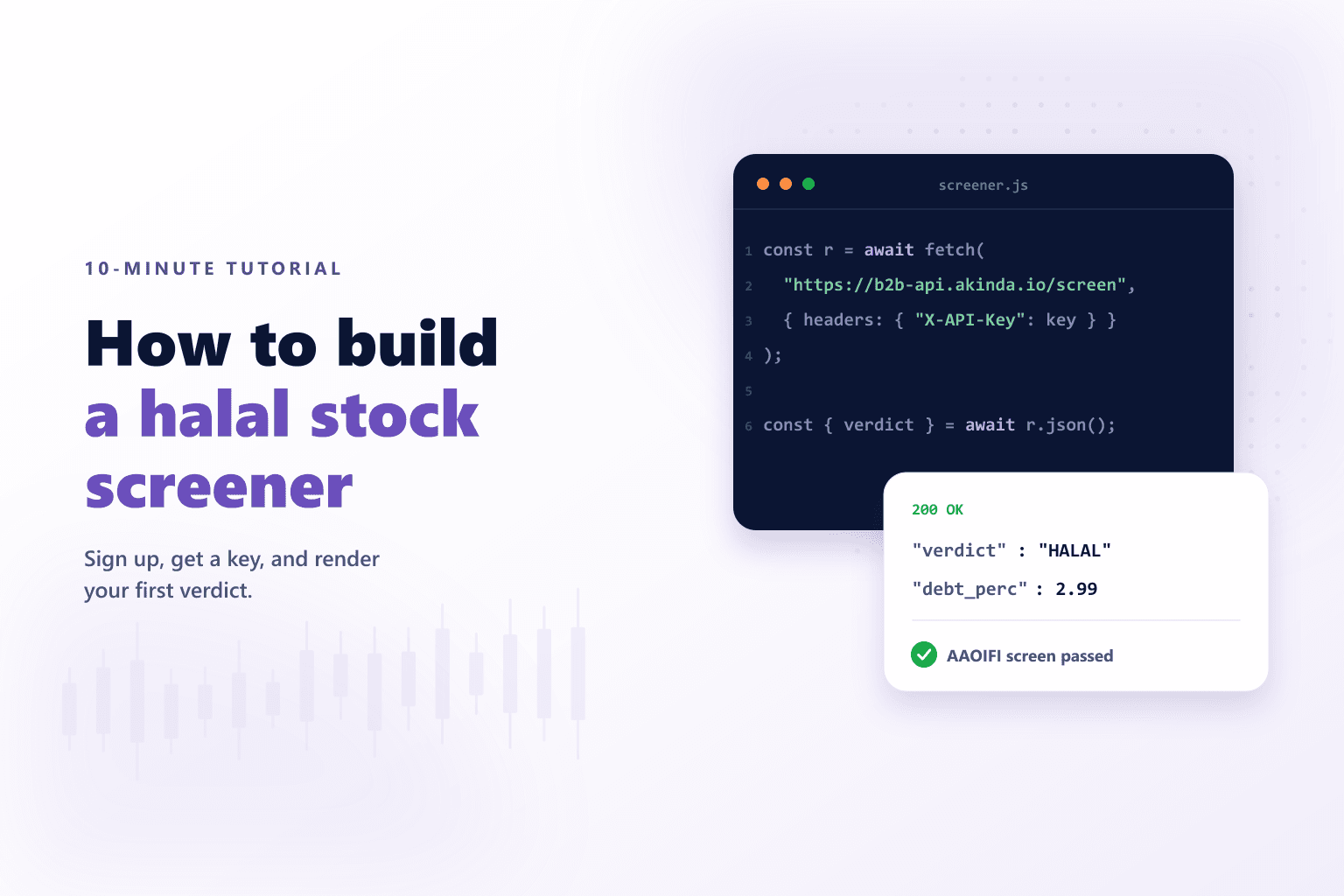
This tutorial walks a fintech developer from zero to a working halal stock screener using the Akinda API. The whole flow — sign-up, first API key, first request, rendering — fits in about 10 minutes of real work.
Step 1: Sign up and get a key
Create a free account at /signup using email or Google. You land in the dashboard with a free- tier API key already provisioned. Copy the key from the API Keys page; you'll pass it as the apikey query parameter on every request.
Step 2: Fire the first request
The simplest endpoint is /compliance — it returns the halal verdict for a single ticker in one round trip:
JavaScript
const KEY = "ak_live_xxx"; // from /api-keys

const res = await fetch(
  `https://b2b-api.akinda.io/api/v1/compliance/AAPL?apikey=${KEY}`
);
const data = await res.json();
console.log(data);
// {
//   ticker: "AAPL",
//   company_name: "Apple Inc.",
//   halal_status: "HALAL"
// }
Same call in Python:
Python
import requests

KEY = "ak_live_xxx"
res = requests.get(
    f"https://b2b-api.akinda.io/api/v1/compliance/AAPL",
    params={"apikey": KEY},
)
print(res.json())
Step 3: Use the headline ratios for context
If you want the three AAOIFI financial ratios on screen alongside the verdict, switch to /basic-report — same shape, plus debt_ratio_perc, liquidity_ratio_perc, non_compliant_revenue_perc.
JavaScript
const res = await fetch(
  `https://b2b-api.akinda.io/api/v1/basic-report/AAPL?apikey=${KEY}`
);
const data = await res.json();
// {
//   ticker: "AAPL",
//   company_name: "Apple Inc.",
//   halal_status: "HALAL",
//   debt_ratio_perc: 2.99,
//   liquidity_ratio_perc: 1.66,
//   non_compliant_revenue_perc: 0
// }
Step 4: Render in your app
A minimal halal-screening card in React:
React
function HalalCard({ data }) {
  const color = {
    HALAL: "emerald",
    DOUBTFUL: "amber",
    "NOT HALAL": "rose",
  }[data.halal_status] ?? "slate";

  return (
    <div className={`bg-${color}-50 border border-${color}-200 rounded-xl p-5`}>
      <p className="text-xs uppercase text-slate-500">
        {data.ticker} · {data.company_name}
      </p>
      <p className={`text-2xl font-black text-${color}-700 mt-2`}>
        {data.halal_status}
      </p>
      <p className="text-xs text-slate-600 mt-1">
        Debt {data.debt_ratio_perc}% · Liquidity {data.liquidity_ratio_perc}%
      </p>
    </div>
  );
}
Step 5: Ship the full screening grid
When you're ready for the full AAOIFI screening grid plus AI-extracted SEC dollar fields and the source breakdown, point at /full-report. Same JSON shape, more fields. Methodology mapping for every field lives on our methodology page.
What to read next
Verify it yourself via the Akinda API
Fire a live /full-report/<ticker> call from the playground using your own API key — see the compliance ratios, AAOIFI screen verdict, and source-breakdown fields the methodology produces.
Related reading